
I know that many (most?) of our customers have already rolled out AI tools within their organizations — or they are about to — and I’m sure it feels like a big leap forward in this ever-evolving world of technology. Suddenly, staff can ask questions in plain English and get instant answers pulled from emails, documents, and chat threads. It’s powerful. It’s exciting. But (yes, there’s always gotta be one of those!) if you’re not careful, it can also be quietly risky.
Because know this: AI doesn’t create new access. It just reveals what’s already there. And that simple idea is catching many organizations off guard.
What Your AI Is Really Doing Behind the Scenes
For example, when people hear “AI in Microsoft,” they often imagine a smart assistant that magically knows things. In reality, tools like Microsoft Copilot are more like very fast, very good librarians. They don’t go searching the internet. They don’t invent new permissions. They look at what you already have access to in systems like SharePoint, OneDrive, Outlook, and Teams, and then they summarize, connect, and surface that information for you.
That’s great when your house is in order.
But…it’s less great when:
- A folder was shared “temporarily” three years ago and was never locked back down
- A Teams channel includes people who don’t really need to be there anymore
- Sensitive files live in places labeled “General” or “Everyone”
AI just makes all of that easier to find.
Why Permissions Suddenly Matter More Than Ever
For years, access sprawl has been one of those quiet IT problems. People share files to get work done. Teams grow. Projects end, but permissions stick around. Nothing breaks, so no one complains.
AI changes that dynamic.
Now, instead of someone stumbling across a document by accident, they can simply ask:
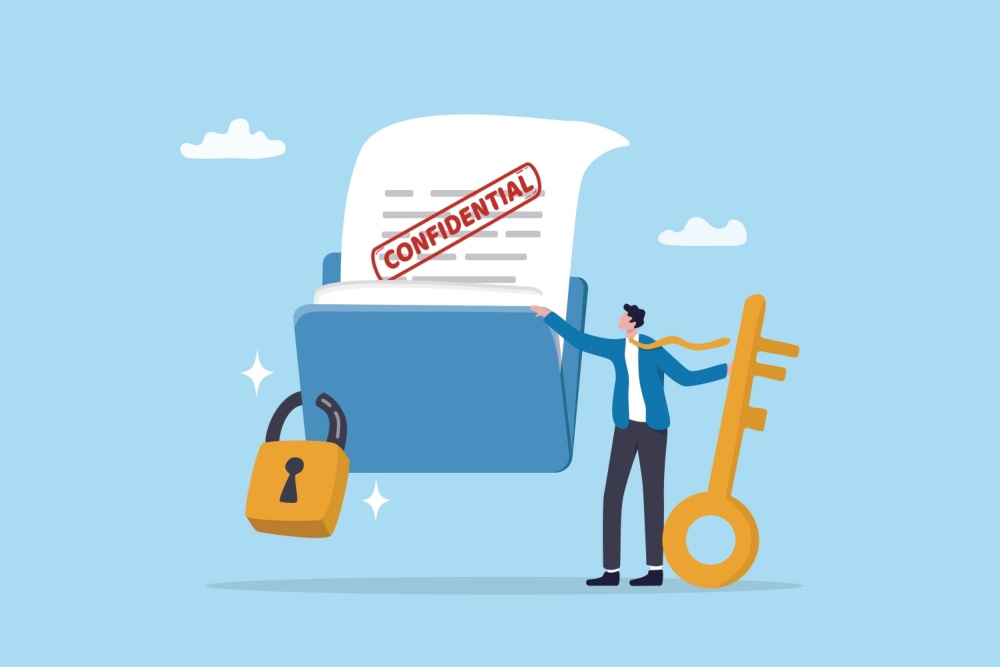
“Show me all the files related to our budget planning.” If their permissions allow it, the AI will happily surface them – confidential or not. That’s why your leadership teams need to know this: Your permission model is now part of your cybersecurity strategy.
The Most Common Instances of Oversharing
Here are some patterns to look out for:
- “Everyone” SharePoint sites: Created for convenience, forgotten for years, and filled with sensitive material.
- Teams channels that never shrink: Staff move roles, contractors leave, but access stays.
- OneDrive links with no expiration: Files meant for a single conversation that are still wide-open months later.
None of these are new problems. AI just shines a very bright light on them.
A Simple Reality Check You Can Do This Week
The good news is you really don’t need a massive audit to get started. A few practical steps can go a long way:
- Pick one sensitive area (like finance, HR, leadership, or grants)
- Review who has access – not just where the files live
- Look for “everyone,” “all staff,” or legacy group permissions
- Clean up what no longer makes sense
Think of it as digital housekeeping. Not glamorous, but incredibly effective.
Governance Isn’t About Saying “No” to AI
Good governance isn’t about putting up walls everywhere. It’s about making sure the right people have the right access — for the right reasons — at the right time.
When that’s in place, AI becomes safer and more useful. Staff trust what they’re seeing. Leadership feels more confident about rollout. And IT isn’t constantly playing cleanup after something sensitive gets shared too widely.
The Bigger Picture
You need to look at this moment as not just a risk, but an opportunity.
AI is pushing organizations to finally address long-standing access and data hygiene issues that have been quietly building for years. If you handle it thoughtfully, you don’t just get smarter tools. You get a cleaner, more secure, more intentional digital environment.
And that’s a win, whether you’re thinking about AI, cybersecurity, or just making everyday work a little less messy.
At CGNET, we help mission-driven organizations take a thoughtful, practical approach to AI and security — one that supports your staff without creating unnecessary risk. If you’re exploring Microsoft Copilot or expanding AI across your Microsoft 365 environment, now is the perfect time to step back and ask a few important questions:
Who truly has access to what?
- Where has sharing quietly grown beyond its original purpose?
- Are your governance and security practices keeping pace with your technology?
Our team can help you map your data access model, review permissions, and build a clear, leadership-friendly AI and cybersecurity readiness roadmap—so innovation moves forward with confidence, not uncertainty.
If you’d like to start that conversation, we’re always here to listen and help out!



0 Comments