
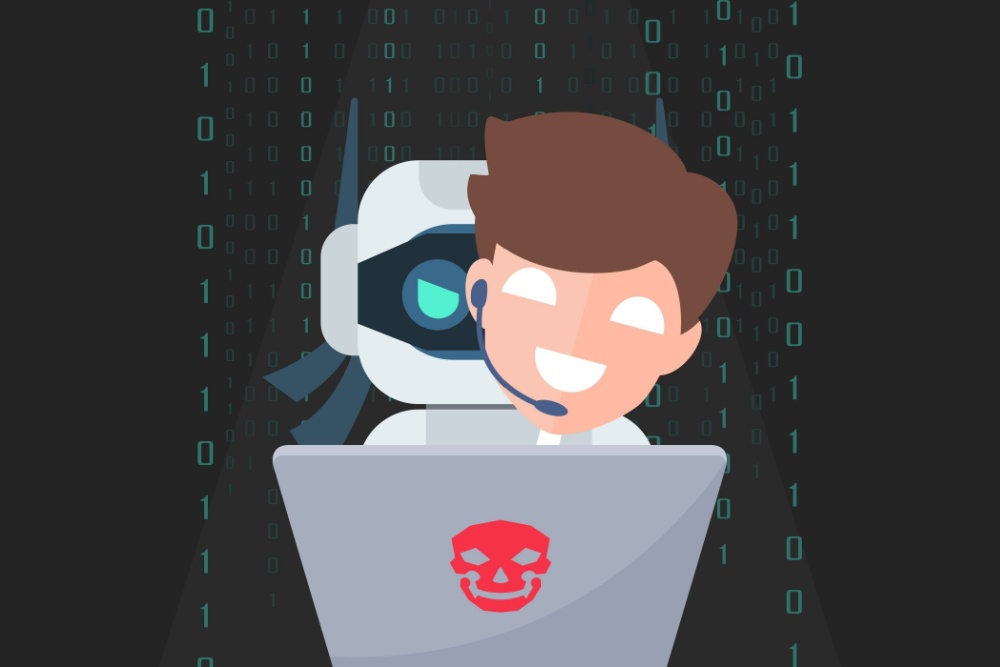

At CGNET, we’ve seen a spike in calls lately – nonprofits reporting scams that actually worked. In several cases, the losses have been significant. What’s changed? Artificial intelligence. While AI is helping nonprofits do more with less, it’s also giving cybercriminals a dangerous new edge. We’re now seeing phishing emails that sound exactly like your CEO. Deepfake videos that look and talk like your Executive Director. This isn’t your typical scam – it’s smarter, faster, and far more believable. For nonprofits, this is a growing threat. But here’s the good news: with a little know-how and the right tools, you can fight back – and stay ahead.
Phishing Has Evolved—and It’s Coming for You
Forget the old scam emails with bad grammar and shady links. Today’s phishing attacks are powered by AI and polished to perfection. Attackers can now:
- Write emails in your CEO’s exact voice
- Mention real donors, events, or staff names
- Spoof internal email addresses
- Combine emails with fake voice or video messages urging urgent action
Bottom line: these messages look real – and they work.
Deepfakes Aren’t Sci-Fi Anymore
Imagine getting a video message that looks and sounds just like your Executive Director, asking you to wire money ASAP. That’s not a future scenario – it’s happening now. Thanks to voice cloning and facial animation tools, deepfakes are shockingly easy (and cheap) to make. This is especially dangerous for global or remote nonprofits, where verifying identity is already tricky.
Why Nonprofits Are Easy Targets
Hackers love nonprofits. Why?
- Smaller teams = fewer security resources
- Sensitive donor and program data = high value
- Trusted reputations = easy to exploit
One well-timed fake message could cost you thousands – and your community’s trust.
5 Smart Moves to Stay Safe (Without Breaking the Bank)
1. Train Your Team to Spot AI Fakes
Staff are your first – and best – line of defense. Make sure they know:
- How to spot suspicious messages (even slick ones)
- Not to trust every message “from the boss”
- How to verify requests using safe channels
Look into tools like KnowBe4 or Curricula – they offer training plans built for nonprofits.
2. Lock It Down With Multi-Factor Authentication
MFA stops hackers in their tracks – even if they steal a password. Turn it on for:
- Email and messaging
- Cloud file storage
- Donor databases and CRMs
- Anything sensitive or financial
3. Use a “No Surprises” Rule for Money Moves
Set clear policies for anything involving money or personal info. For example:
- Always confirm big requests by phone
- Require two people to sign off on wire transfers
- Never approve financial changes over email, Slack, or WhatsApp
4. Let AI Help You Fight Back
AI isn’t just the problem – it’s also the solution. Email security tools like Microsoft Defender for Office 365 or Proofpoint Essentials use machine learning to flag suspicious behavior before it spreads.
Many offer nonprofit pricing too.
5. Update Your Playbook
If your policies don’t mention deepfakes or AI-based scams, you’re overdue for an update. Ask yourself:
- Do we have a way to verify audio or video requests?
- Do staff know who to call if something feels off?
- Who handles the fallout if something goes wrong?
Make sure everyone knows the plan before something happens.
You Don’t Need a Giant Budget to Stay Safe
AI threats are real, fast-moving, and getting better. But with some smart steps and ongoing awareness, your nonprofit can stay protected and focused on your mission.
You don’t need a massive cybersecurity team. You just need to start.
Need a hand? At CGNET, we’ve helped nonprofits around the world with cybersecurity, AI tools, and training for over 40 years. Whether you need to review your policies or run a quick staff workshop, we’re here for you. Check us out at cgnet.com or drop me a line at g.*******@***et.com. Let’s make your nonprofit smarter—and safer.


0 Comments