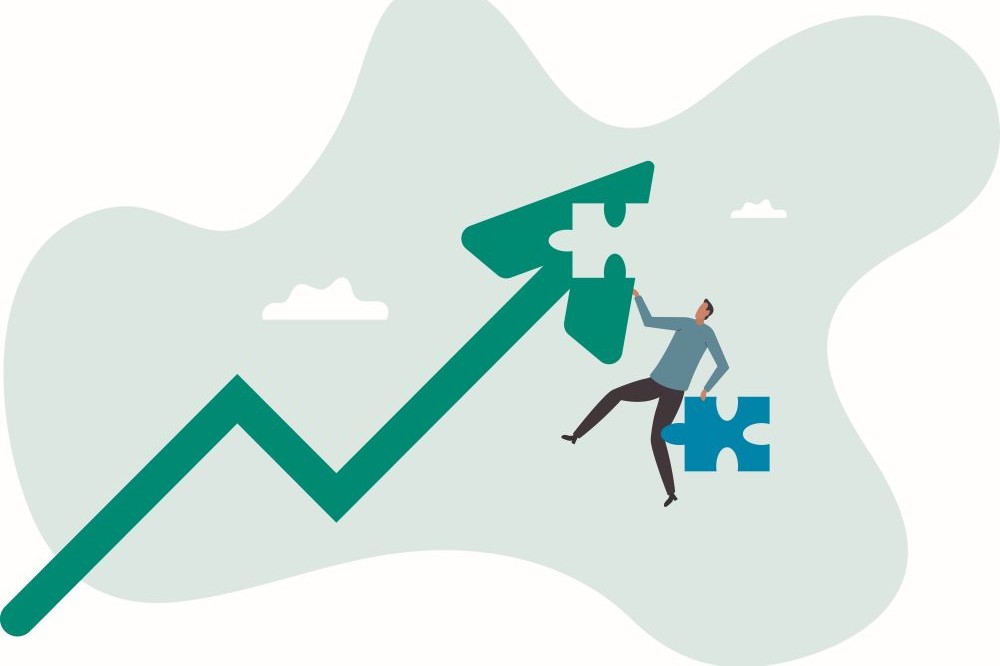

For foundations and other philanthropic organizations, growth usually means something positive. More grants awarded, more communities served, more opportunities to make a difference.
But while an organization’s mission may be expanding, its technology infrastructure isn’t always keeping up. And unlike a growing staff or grants portfolio, outdated IT systems don’t necessarily announce themselves. They just quietly become a bigger problem.
Growth Changes Everything (Including Your Technology Needs)
Consider a foundation that started with a dozen employees, a straightforward grantmaking process, and a handful of technology tools. Email worked, files were stored somewhere everyone could find them (usually), and IT issues were handled by whoever knew the most about computers.
Fast-forward a few years. The foundation has doubled its staff, expanded its grantmaking, adopted new software platforms, and embraced hybrid work. Yet its technology may still be operating much as it did when there were only twelve people.
What worked for a small team can become a source of frustration, inefficiency, and security risks as an organization grows.
Five Signs Your IT is Falling Behind
Technology rarely fails all at once. More often, the warning signs show up as everyday annoyances that staff simply learn to live with.
- Employees have developed creative workarounds. When systems don’t communicate, staff resort to spreadsheets, manual data entry, and duplicate records. These workarounds get the job done, but waste time and invite errors.
- Nobody knows where information lives. Documents multiply across shared drives, SharePoint sites, personal folders, and cloud platforms. Finding the latest grant agreement shouldn’t require detective skills.
- New employees take too long to get started. As applications and security requirements multiply, onboarding becomes increasingly complicated. If setting up a new hire involves endless emails and manual tasks, something needs attention.
- IT support is always reacting, never planning. When technology staff spend all their time troubleshooting, there’s little opportunity to think strategically about future needs.
- Security hasn’t kept pace. More employees, devices, and external partnerships create more potential vulnerabilities. Security practices that worked five years ago may no longer be adequate.
Individually, these issues may seem minor. Together, they suggest technology is struggling to keep up.
The Real Cost Isn’t Just Financial
The biggest expense of outdated technology isn’t necessarily software or equipment. It’s staff time. Think about the hours spent searching for documents, manually transferring information, or dealing with systems that don’t work together. Those are hours that could be spent evaluating grants, building relationships, or advancing new initiatives.
There’s also the frustration factor. Employees become less productive, leadership may lack reliable information, and security risks increase. For mission-driven organizations, these aren’t just IT problems; they’re obstacles to accomplishing the mission.
You Probably Don’t Need More Technology
Here’s the interesting part: The solution isn’t necessarily buying more software.
Many foundations already have powerful tools they’re barely using. Microsoft 365, for example, offers document management, collaboration, automation, and security capabilities that organizations sometimes overlook while purchasing additional applications.
A better starting point is to evaluate what’s already in place. Are employees using existing tools effectively? Are systems properly configured and secured? Could repetitive tasks be automated? Are you paying for applications that duplicate one another? Sometimes the smartest technology investment is simply making better use of what you already own.
Make IT Part of the Bigger Picture
Foundations regularly develop strategic plans for grantmaking, staffing, and organizational growth. Technology should be part of those conversations, too. Expanding programs, hiring employees, or collaborating with new partners all have IT implications. Planning ahead helps organizations avoid scrambling to address problems after they’ve already become disruptive.
That doesn’t mean every foundation needs a large IT department. But someone should be looking beyond today’s help desk tickets to anticipate tomorrow’s needs. A periodic technology assessment can identify gaps, prioritize improvements, and create a practical roadmap aligned with the organization’s goals.
Don’t Let Technology Hold Back Your Mission
Growth is worth celebrating. But the systems supporting that growth need to keep pace.
Because when your mission is moving forward, your technology shouldn’t be holding it back.
Is your foundation’s IT keeping pace with its growth? At CGNET, we’ve spent decades helping foundations and other mission-driven organizations build reliable, secure technology environments. From strategic assessments and cybersecurity, to managed services, Microsoft 365 optimization, and AI implementation and training, we help ensure technology supports your mission instead of slowing it down. Contact CGNET to find out how we can help.



0 Comments