

At CGNET, we often get to deliver the happy news: “You know you already own that, right?”
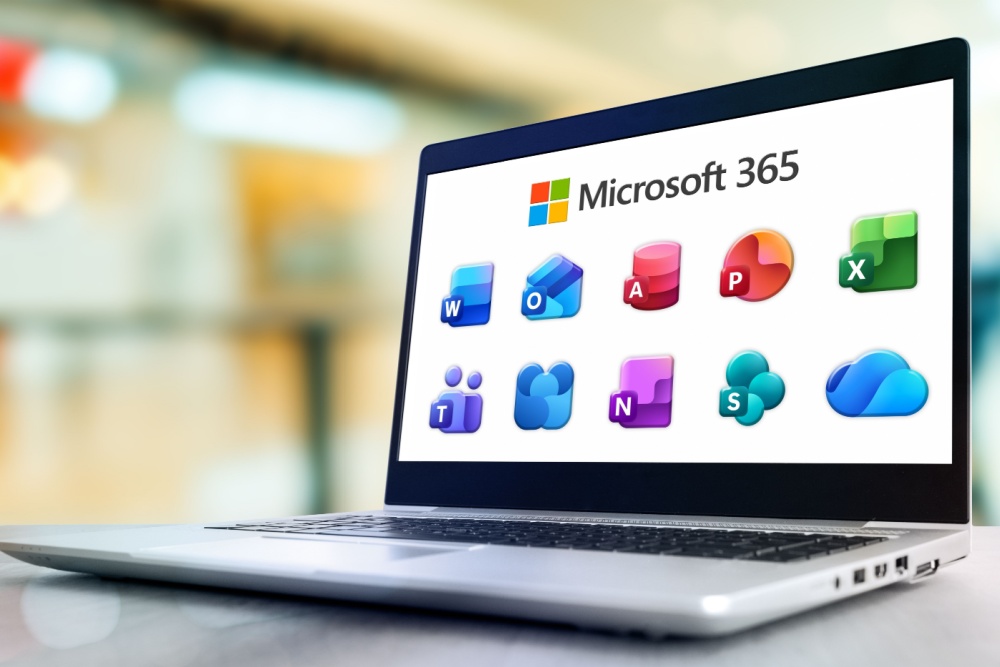
If your organization is like most, Microsoft 365 has become part of the furniture. It’s there every day, quietly helping everyone get work done. You probably use Outlook for email, Word for documents, Excel for spreadsheets, Teams for chatting, meetings, and collaborating on files, and maybe OneDrive to keep everything synchronized. Which is already a lot.
But here’s the cool part: Microsoft 365 is packed with tools and features that many organizations are already paying for—yet many don’t even know they exist. It’s a little like buying a Swiss Army knife and only ever using the blade.
There are dozens of apps tucked inside your subscription that can save time, eliminate repetitive work, and make life just a little easier. Here are five of our favorites that deserve a little more attention.
1. Microsoft Forms: Goodbye, “Reply All”
Need staff feedback? Event registrations? An RSVP? A way for employees to request equipment? A quick survey?
Many organizations still send emails asking people to “Reply with your answer.”
Please don’t.
Microsoft Forms lets you build attractive surveys, registrations, quizzes, and request forms in just a few minutes. Responses are automatically collected, organized, and easy to export. No more counting email replies by hand. No more wondering who forgot to respond.
We use Forms for surveys here at CGNET and—particularly now that AI has been integrated —it is remarkably easy to create and administer them.
2. Version History: Your Undo Button for Life
Someone accidentally overwrote an important document. Someone deleted three paragraphs they shouldn’t have. Someone made changes that definitely weren’t improvements.
Good news: As long as the file you are working with has been opened within (or saved to) OneDrive or SharePoint, Microsoft 365 has been quietly saving previous versions the entire time. Think of it as a time machine for your files.
Personally, I am addicted to Version History and (I confess!) get mildly annoyed when I see files labeled “v.2, v.3, v.4”, and so on cluttering up my Teams channels. Why? Because Version History lets you see, compare, and restore earlier versions of documents if needed, all without having to use “Save as” to create an additional file. It has rescued countless spreadsheets, proposals and strategic plans from well-intentioned editing disasters. Again, without the need for ever-expanding file clutter.
3. Microsoft Bookings: End the Scheduling Olympics
We’ve all lived through this email chain:
“Are you free Tuesday?”
“No.”
“How about Wednesday at 2?”
“I have another meeting.”
“Thursday morning?”
“I’m out.”
“Friday?”
“…next month?”
Microsoft Bookings eliminates most of that back-and-forth. People simply choose an available time on your calendar, receive confirmations automatically, and even get reminders before the meeting.
It’s one of those tools that’s surprisingly satisfying once you start using it.
4. Microsoft Planner: Finally, a To-Do List Everyone Can See
Keeping track of who is doing what shouldn’t require a dozen sticky notes or an email chain that starts with, “Just checking in…” Microsoft Planner makes it easy to assign tasks, set due dates, organize projects into simple boards, and see what’s finished—and what’s still waiting on someone.
Whether you’re planning an event, onboarding a new employee, managing a fundraising campaign, or simply keeping a department organized, Planner gives everyone a shared view of the work without turning project management into…well…another project.
Best of all, it integrates nicely with Teams, so your tasks are right alongside the conversations and files your team is already using.
5. Microsoft Loop: Collaboration Without the Email Chaos
Have you ever had three people editing a document, two people commenting on it in Teams, and someone else emailing “the latest version” to everyone?
That’s where Microsoft Loop shines.
Loop lets teams create shared workspaces where lists, notes, task tables, brainstorming ideas, and project updates stay synchronized no matter where they’re viewed. A Loop component can live inside a Teams chat, an Outlook email, or a Loop workspace — and when someone updates it in one place, it updates everywhere.
It’s perfect for meeting agendas, project planning, event checklists, or simply keeping everyone on the same page without wondering which version is the right one.
Think of it as a shared digital whiteboard that’s a lot smarter than a whiteboard.
Bonus: There’s Probably Even More
Depending on your Microsoft 365 license, you may also have access to Lists, OneNote, Quick Parts, Whiteboard, Power Automate, Clipchamp, Viva Insights and a growing collection of AI-powered tools that Microsoft keeps adding.
The challenge isn’t that Microsoft 365 lacks features. It’s that there are so many of them that most people only use the handful they already know.
Here’s the Takeaway
Organizations often assume they need to buy another app when the solution is already sitting inside Microsoft 365. Before signing up for yet another subscription, it may be worth asking a simple question: “Are we already paying for something that does this?”
The answer is surprisingly often…yes.
Sometimes the biggest productivity gains don’t come from buying more software. They come from getting more value out of the software you already have.
Wondering if you’re getting your money’s worth from Microsoft 365? CGNET can help you uncover the tools you’re already paying for, identify features your team could benefit from, and make sure your Microsoft 365 investment is working as hard as you are. Reach out today and let’s have a chat!



0 Comments